|
|
 |
 |
 |
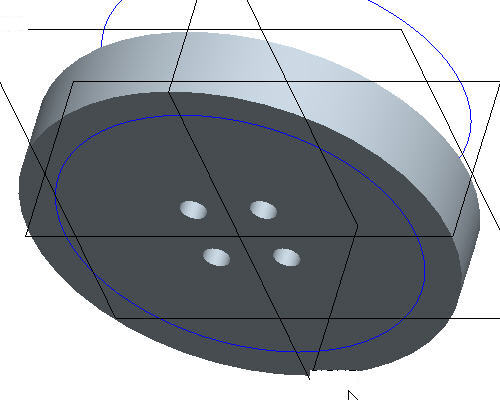
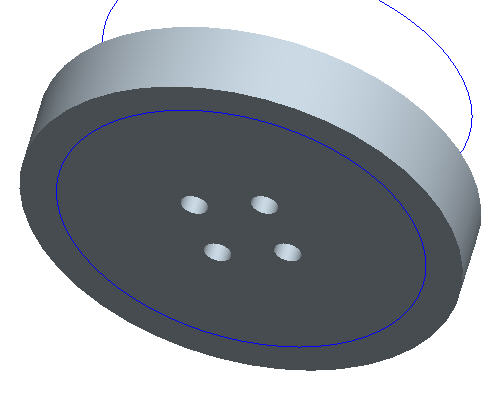
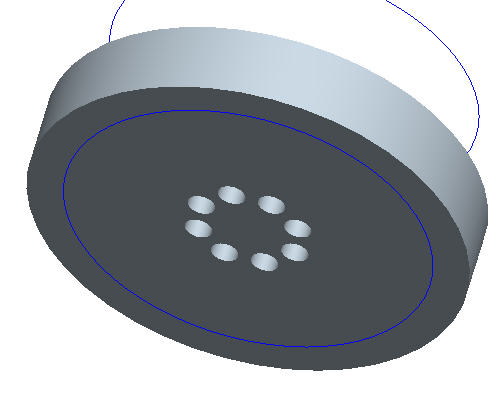
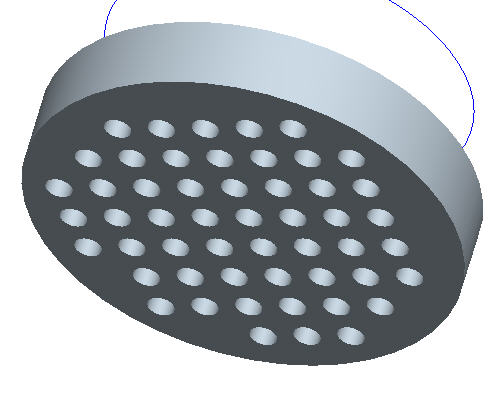
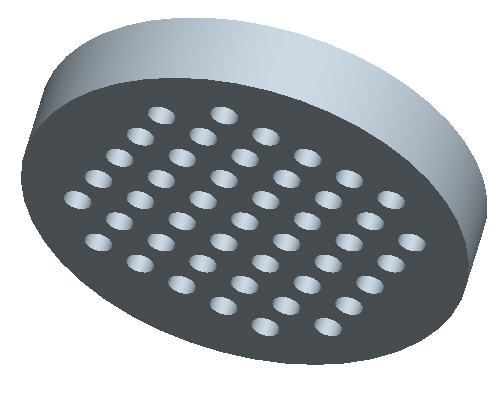
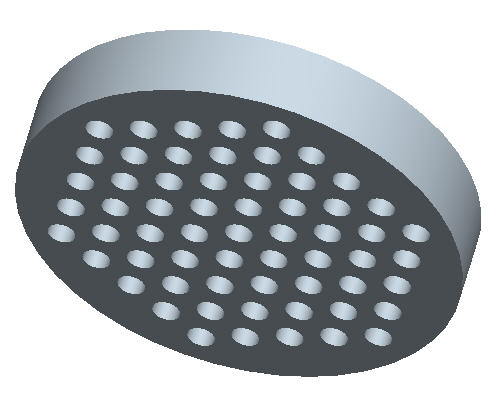
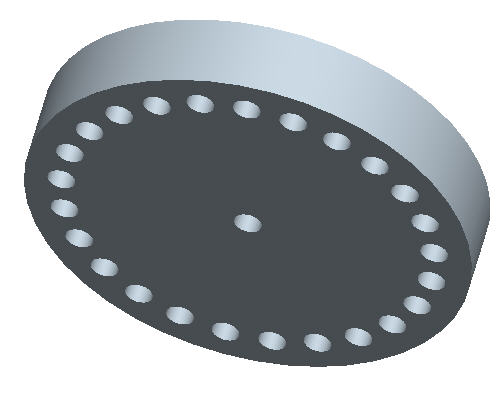
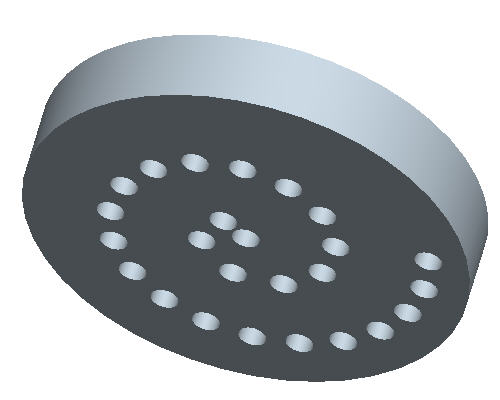
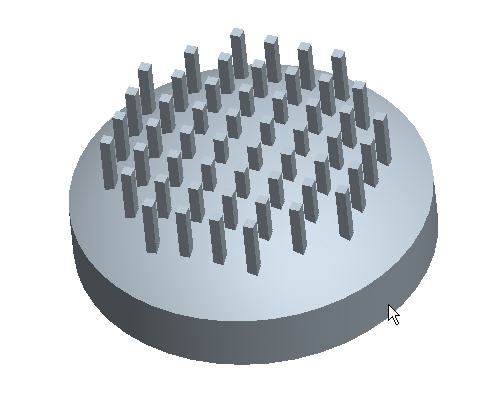
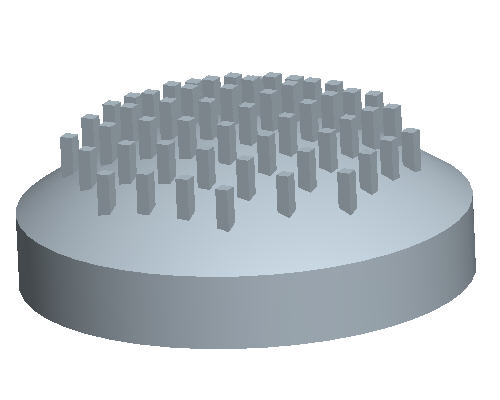
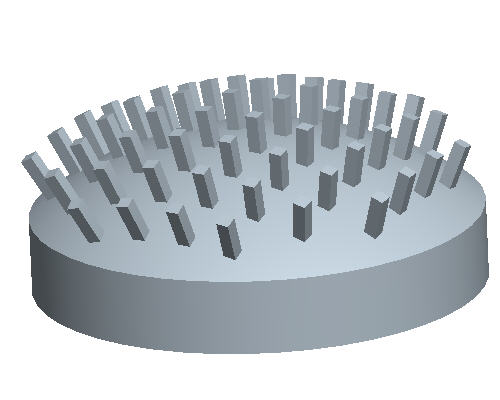
Tutorial SummaryIn this tutorial, you will learn the basics of Pattern Creation. Step 1: Create a Dimension Pattern Step 2: Create a Direction Pattern
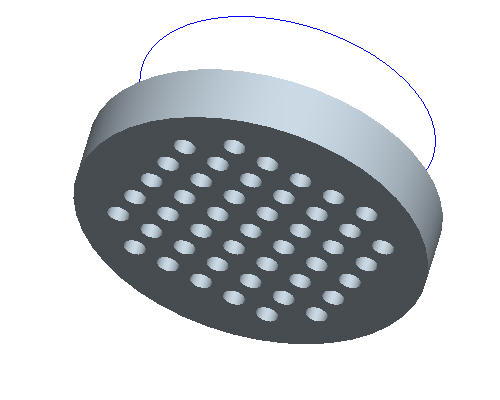
Step 5: Experiment with Fill Pattern shapes Step 6: Create a Fill Pattern that patterns protrusions within an area Step 7: Use the Fill Pattern to conform to surface topography
|
|
|
|
|