-
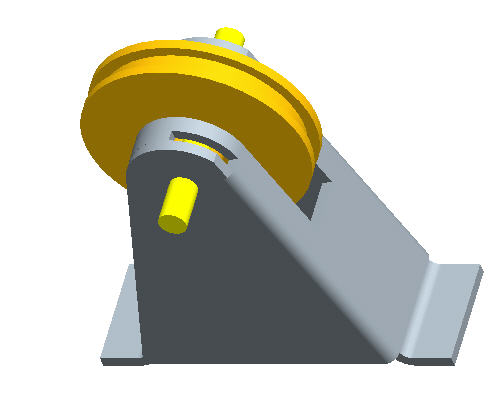
Click Regenerate  from the main toolbar to incorporate the changes in the assembly.
-
Click Open  from the main toolbar.
-
Select on PULLEY_BRACKET.DRW and click Open.
-
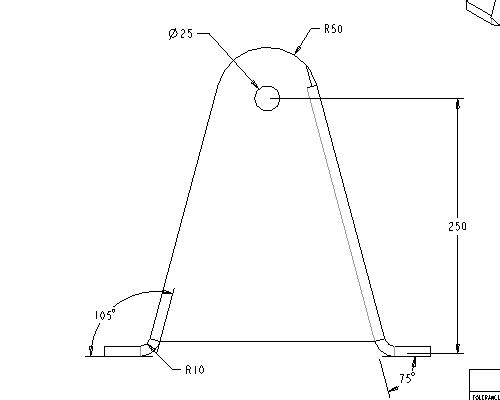
To Pan to the changed dimension, click middle-drag and select the view shown below.
-
To Zoom in, click CTRL + MIDDLE-DRAG vertically toward you.
-
Click File > Close Windows .
-
Spin and zoom in the model to observe the change in the model.
-
Click Save  from the main toolbar and OK.
-
To clear the models from RAM, click File > Erase > Current.
-
Press Select All  and OK.
-
Congratulations! This completes the workshop.


