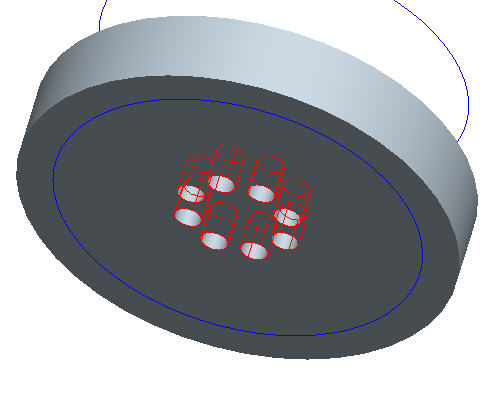
Task 3. Create Axial Pattern.
Click Undo to remove the direction pattern.
Right click HOLE 1 from the model tree and select Pattern.
In the dashboard, use the pull down to select Axis as the pattern option.
The Direction Pattern adds pattern members in one or two selected directions without requiring a specific dimensioning scheme on the original feature.
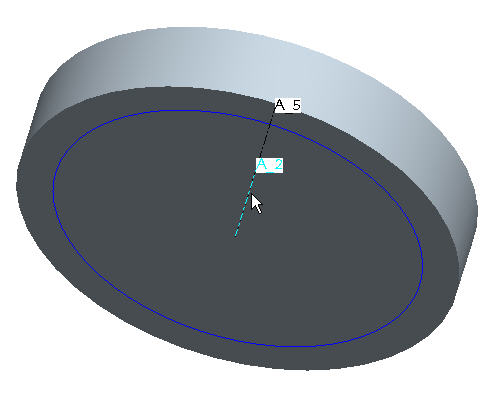
Select the center axis of the part (A_2) to revolve the pattern around.
Make sure that the axes are displayed. If they are not, choose the Datum Axes icon.
In the Dashboard, change the quantity of holes to 8.
In the Dashboard, select Angular extents to equally space the members.
Click Complete Feature to see the axial pattern.
 icon.
icon.


 to remove the direction pattern.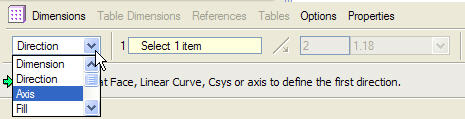



 to equally space the members.
 to see the axial pattern.