|
|
 |
 |
 |
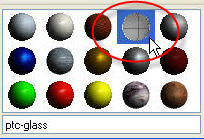
1. Click View from the pull down at the top of the window and select 2. From the Appearance Editor dialog box, select the "ptc-glass" color as shown in the figure below.
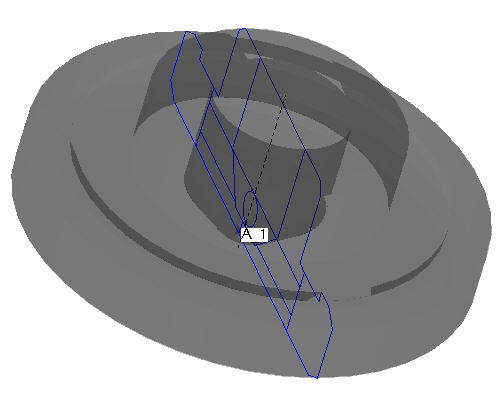
4. Click Apply from the Assignment section in the dialog box. 5. Select Close at the bottom of the Appearance Editor dialog box. The part will appear similar to the figure shown below.
|
|
|
|
|

 Color and Appearance from the drop down menu.