|
Creating Assembly Models
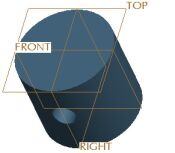
New Assembly models are created from a default template, which contains default datum planes and a coordinate system.
The first component in an assembly is typically placed with a Default constraint, which centers the component in the assembly. | 


 from the main toolbar to enable their display.
 and select Assembly as the Type.
 from the feature toolbar (on the right).
 in the dashboard.
 .
.