|
Assembling with Constraints
You can assemble components together by creating various types of Constraints. Constraints can be used to assemble components in a fixed position.
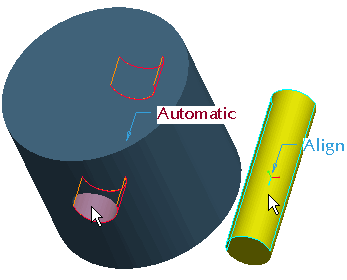
Constraints can be created by selecting corresponding pairs of geometry from the component being assembled and an existing component. | 


 from the feature toolbar.
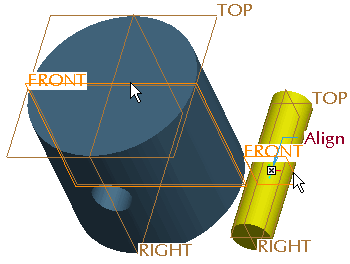
 from the main toolbar to disable their display.
 from the dashboard.