Rounds allow you to add or remove material from a model by applying a radius to an edge. You can simply select an edge, set the radius, and complete the feature.
Task 1-6. Create a round on the carburetor mount to smooth off a sharp edge.
Start the Round Tool from the feature toolbar (right of the screen).
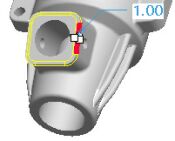
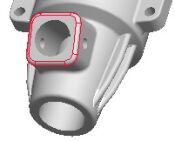
Select the edge shown in the following figure.
Notice the round automatically follows the tangent chain of edges.
Selecting an Edge
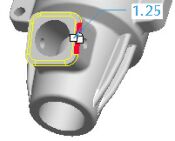
Drag either radius handle (white square on the yellow preview) to a value of 1.
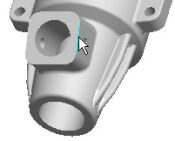
Click Complete Feature from the dashboard (bottom of the screen).
Notice the Round feature is placed at the bottom of the model tree (left of the screen)



 from the feature toolbar (right of the screen).
 from the dashboard (bottom of the screen).