|
|
Selecting with the Mouse
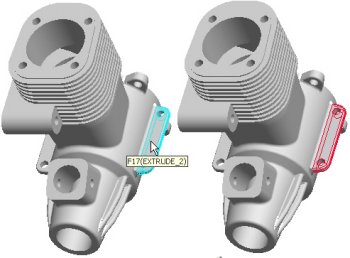
Move the mouse over a feature to highlight it. Click the left mouse button to make a selection. Cyan (light blue) highlighting indicates an item is pre-selected. Red highlighting indicates an item is selected. Once a feature is selected, edges or surfaces of the feature will highlight, and could be selected. |