


Holes using the Intelligent Hole Search
- Intelligent Hole Search - multiple sized holes on a plane
- Intelligent Pattern Search
Intelligent Hole Search: Multiple sized holes on a plane
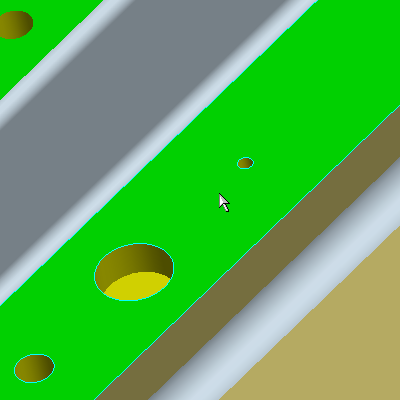
1. Select the Intelligent Hole Search Tool  and select the top 'green' surface as shown.
|
|
Notice it found all holes regardless of Diameter and Depth and created 3 separate Hole Features. |

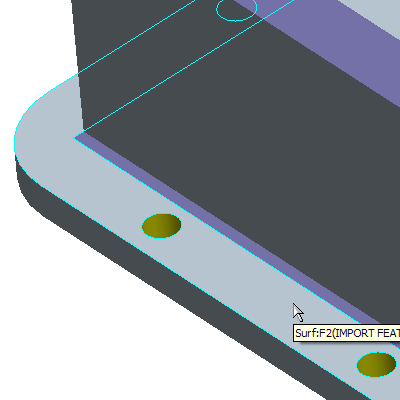
2. Select the Intelligent Pattern Search Tool  and select the surface of the Lip as shown. Close the info window that appears.
|
|
In this case the tool will find all the holes on this surface and remove and replace them with a hole pattern. |
You have completed this Exercise, continue to the Next Page.


