|
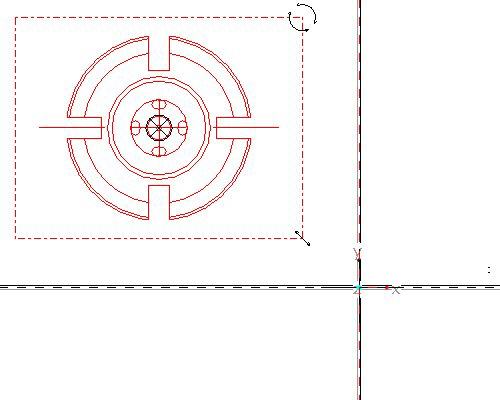
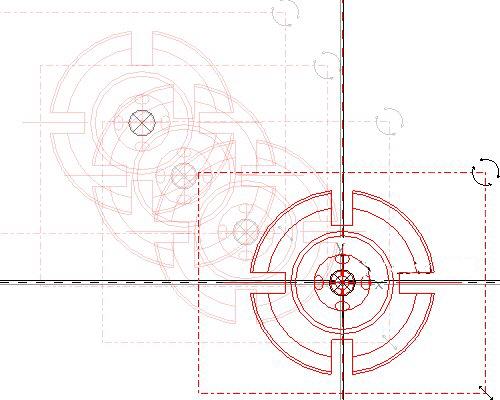
When importing a sketch into the sketcher environment, the scale/rotate preview step allows you to reposition, resize and rotate the entities prior to applying sketcher dimensions. There are three anchors that can be used: The "X" anchor is position, the circular arrows are rotation, and the linear arrows are for scale. Holding down the left mouse button and dragging on any one of these icons will affect the imported entities. In the next section you'll learn how to move the anchors around to change the action points. | 


 in the main toolbar to disable their display.
 icon on the right toolbar to create a sketch.

 in the Scale Rotate dialog box.
 from the main toolbar to see the imported sketch. Note that the system automatically dimensions the sketch and there are no manual dimensions required.
 on the right side toolbar.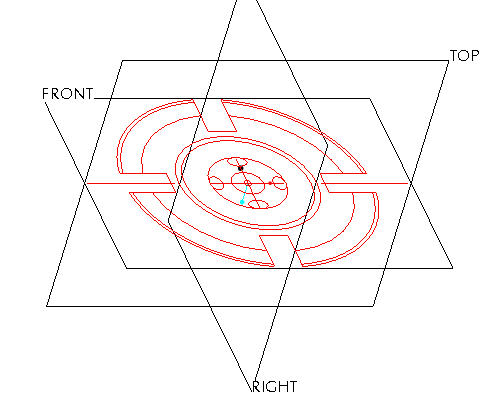
 , Datum Axes
  , Datum Points
 and Coordinate Systems