|
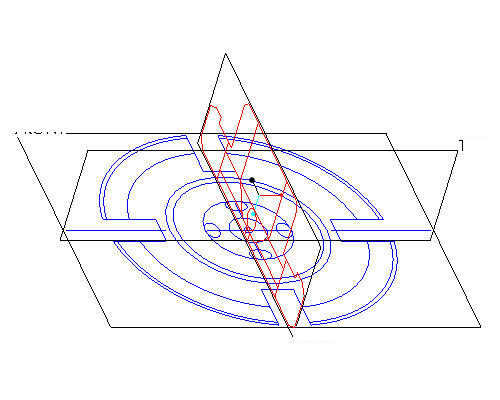
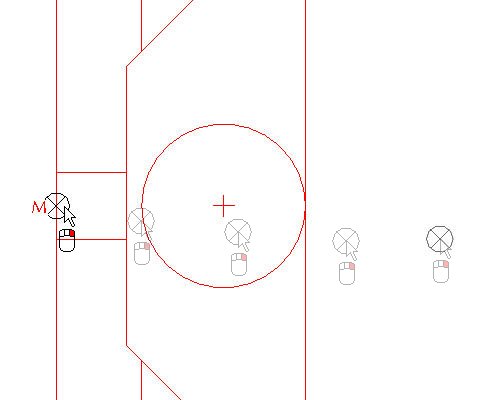
In the last section you learned how to move the imported sketch using the "X" anchor and saw how it snapped to the datum planes. In this situation however, you would like the point that snaps to the datum planes to be different than its default location. Any of the anchors can be moved around by holding down the right mouse button and dragging them. | 


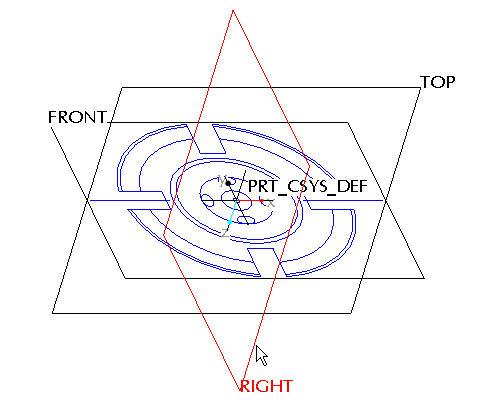
 icon on the right toolbar to create a sketch.
 in the main toolbar.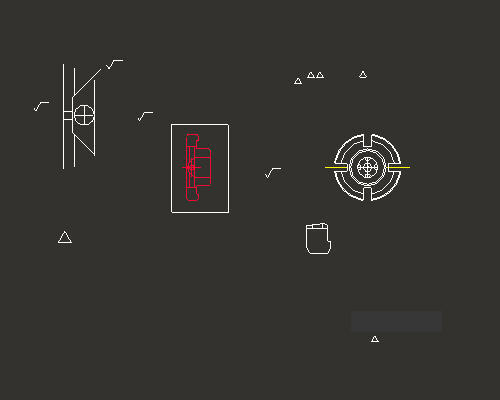

 from the main toolbar and left click to provide a start point to the zoom box around the middle of the pasted sketch and left click to provide an end point to the zoom box. Right click to exit the Zoom command.
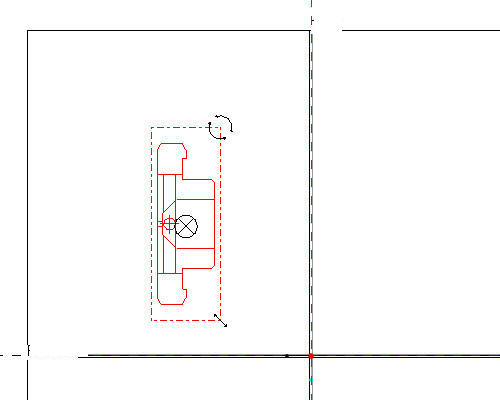
  anchor to the middle of the left most edge of the section as shown in the figure below.
 icon to see the the entire sketch.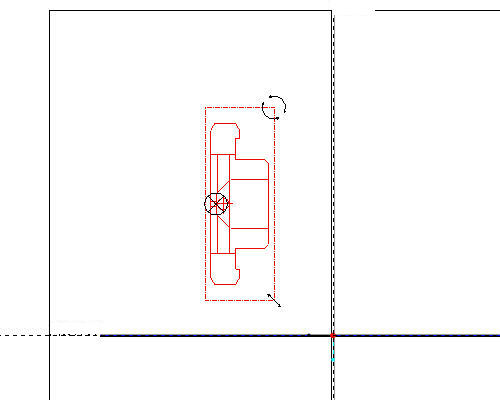
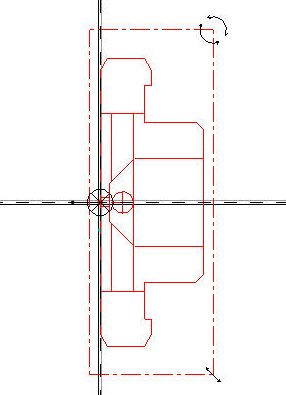
 in the Scale Rotate dialog box. Sketch should appear as shown in the figure below.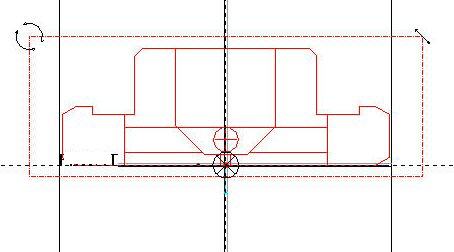
 on the right side toolbar.