64/76 
 
 
Information

View Display Styles

You can change the Display Style for views by editing their Properties.  Display Styles include No Hidden, Hidden Lines, and Wireframe display.


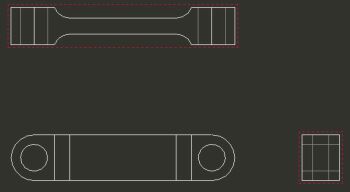
Task 4-8. Set the display style for the TOP and RIGHT views to display hidden lines.

  1. Click on the background to de-select the current view if necessary.
  2. Set the display style for two views:
    • Press CTRL and select the TOP and RIGHT Projection views.
    • Right-click and select Properties.
    • Select Hidden as the Display Style and click OK.


Hidden Lines Displayed