63/76 
 
 
Information

Creating Drawings

General views can be placed in 2D or 3D orientations.


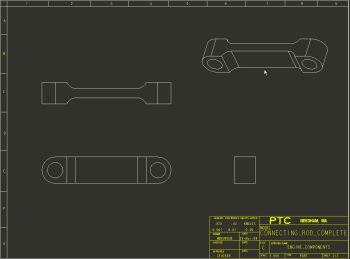
Task 4-7. Place a 3D general view of the CONNECTING_ROD.

  1. Click on the background to de-select the current view.
  2. Right click and select Insert General View.
    • Select a location as shown in the following figure to place the view.
    • Click OK from the Drawing View dialog box.
    • Right-click and uncheck Lock View Movement.
    • Select and then drag views as necessary to position as shown.


Placing the 3D General View.