| Task 3-8. Create a second cylinder connection on the PISTON_ASSY. |
- Press and hold the middle mouse button to spin the entire assembly as shown in the following figure.
- Press CTRL, press and hold the middle mouse button, and move the mouse towards you to zoom in.
|
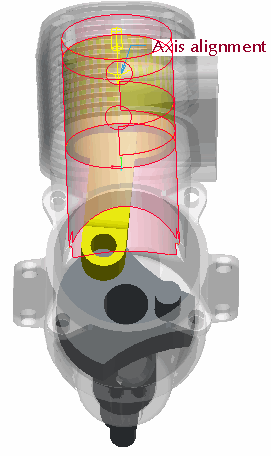
Orienting the Model |
- Create a cylinder connection as shown in the following figure:
- Right-click and select Add Set.
- Select the cylindrical surfaces as shown in the following figure.
|
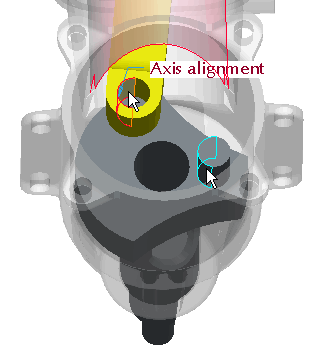
Selecting Surfaces |
- The CRANKSHAFT pin should now align with the hole in the CONNECTING_ROD, and the PISTON_ASSY will now rotate with the CRANKSHAFT.
- Click Complete Component
 from the Dashboard. from the Dashboard.
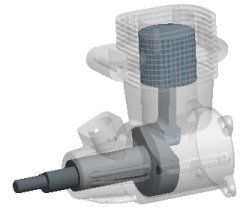
Completed Connections | |



