Selecting Multiple Round References
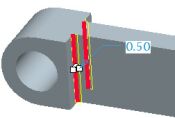
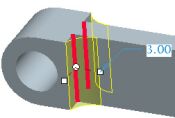
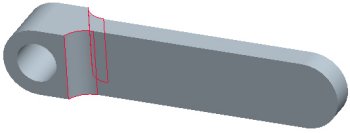
Press CTRL to select multiple edges for a single round set.
Creating a Round



 from the feature toolbar.
  from the dashboard.