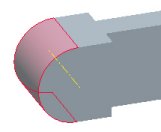
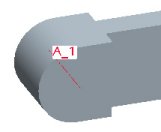
Datum Axes
Datum Axes are linear references that can be used to create other features.
Creating a Datum Axis



 from the main toolbar (top of the screen) to enable their display.
 from the feature toolbar (right of the screen).